
Digital Asset locks
Hold one standard Supra Digital Asset for one beneficiary until maturity.
A Digital Asset lock transfers one standard object into a dedicated, untransferable vault. The beneficiary can release it after the immutable UTC unlock time.
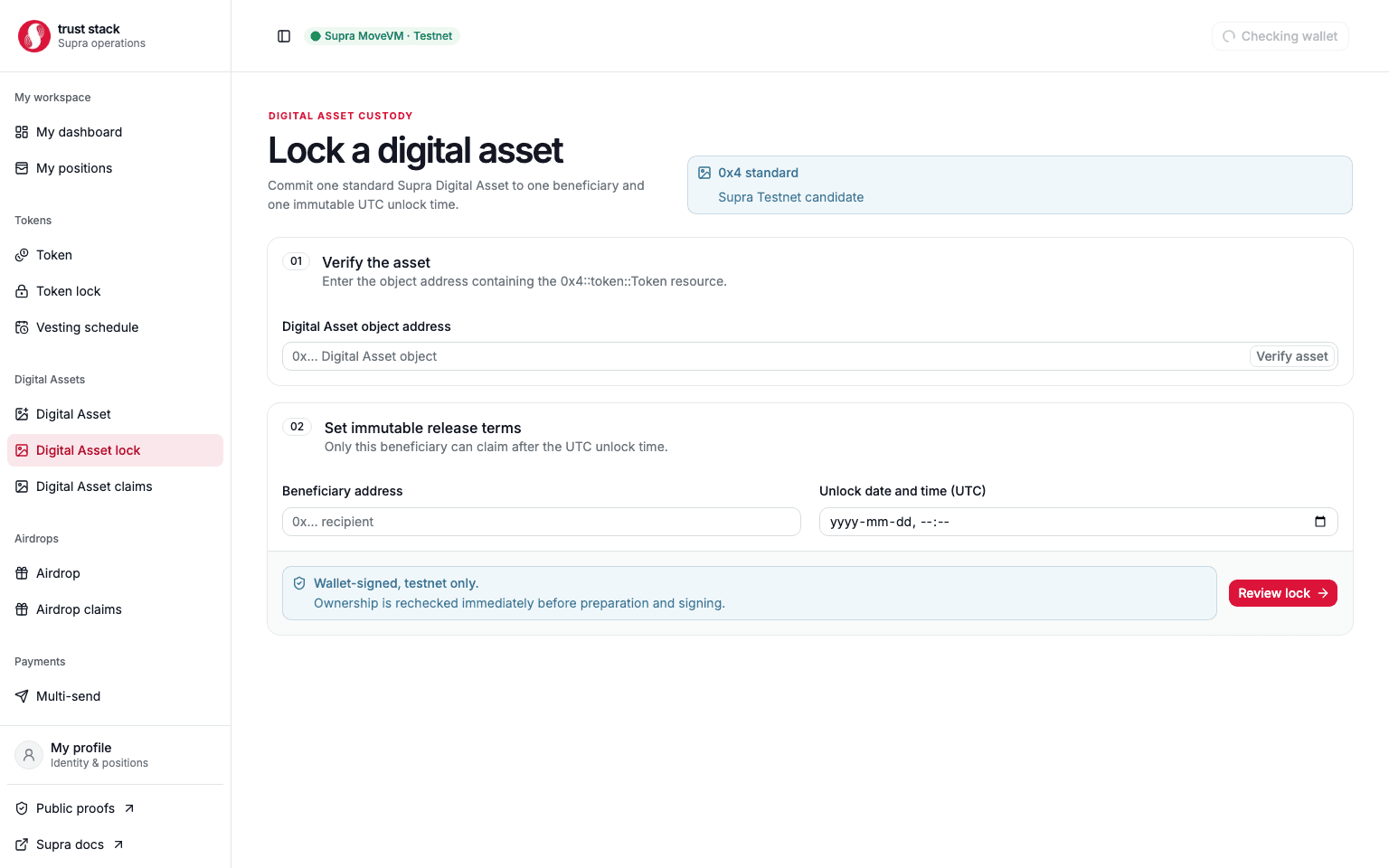
Create a lock
- Enter the Digital Asset object address.
- Verify its standard type, current owner, transferability, name, collection, and media.
- Enter the beneficiary and future UTC unlock time.
- Review the object identity and custody policy.
- Sign the lock transaction and save the vault object address.
The creator must currently own the asset and ordinary ungated transfer must be permitted. Funding and vault creation happen in the same transaction.
Verify and release
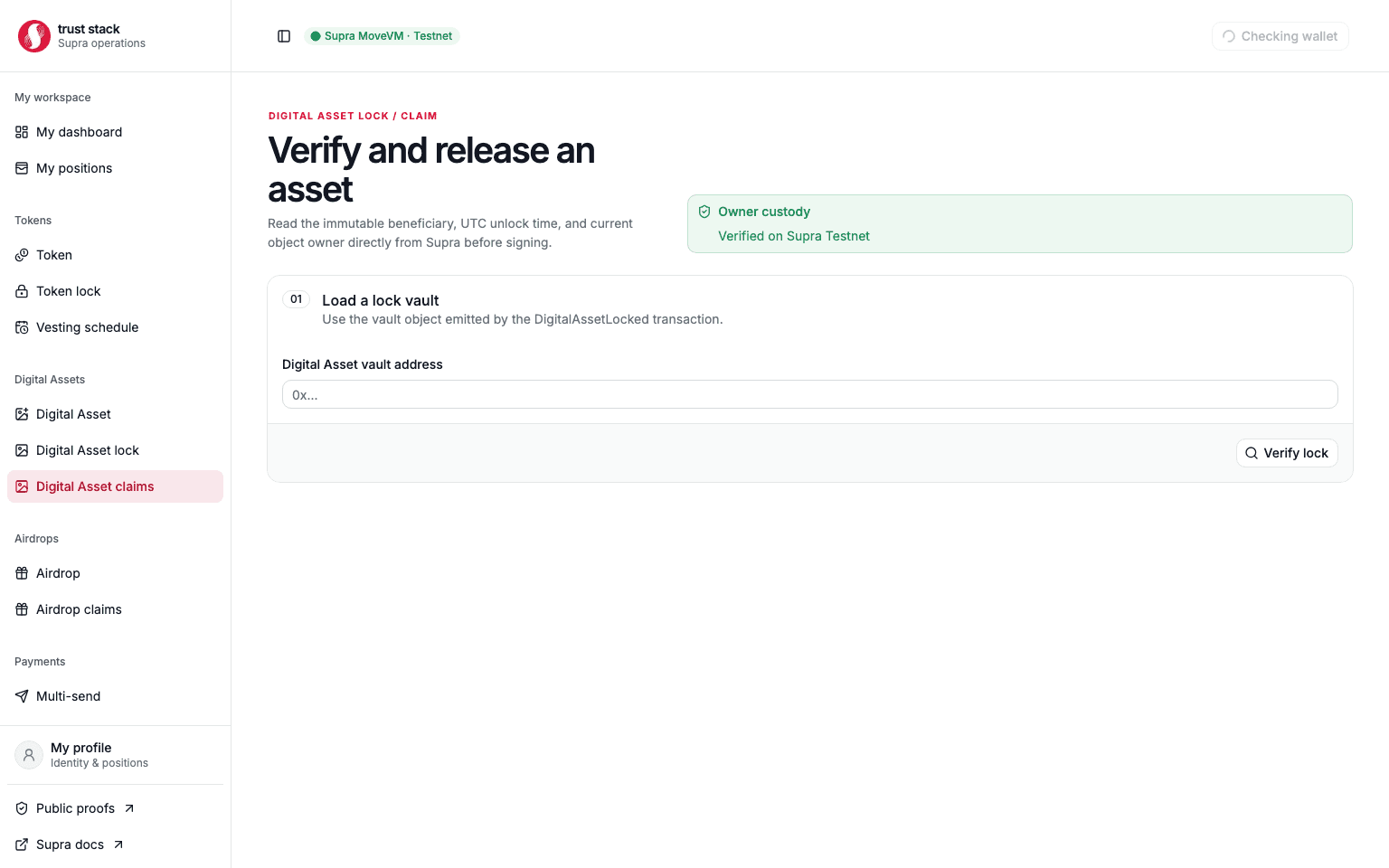
The management page reads the immutable beneficiary and unlock time plus the framework's current object owner. It enables release only when the connected account is the beneficiary, the deadline has passed, and the vault still owns the asset.
After signing, the client verifies the exact claim event, terminal lock state, released vault custody, and final ownership by the beneficiary.
Important issuer boundary
A standard Digital Asset creator may have retained a framework TransferRef or another capability
outside the lock module. Trust Stack verifies ordinary vault custody, but cannot prove that unrelated
issuer capabilities were destroyed. Evaluate the asset's creation policy before treating a lock as
the only authority.