
Token locks
Lock one exact Fungible Asset allocation until an immutable UTC time.
A token lock transfers an exact amount of one standard Supra Fungible Asset into a dedicated, untransferable vault. Only the immutable beneficiary can claim, and only at or after the unlock time.
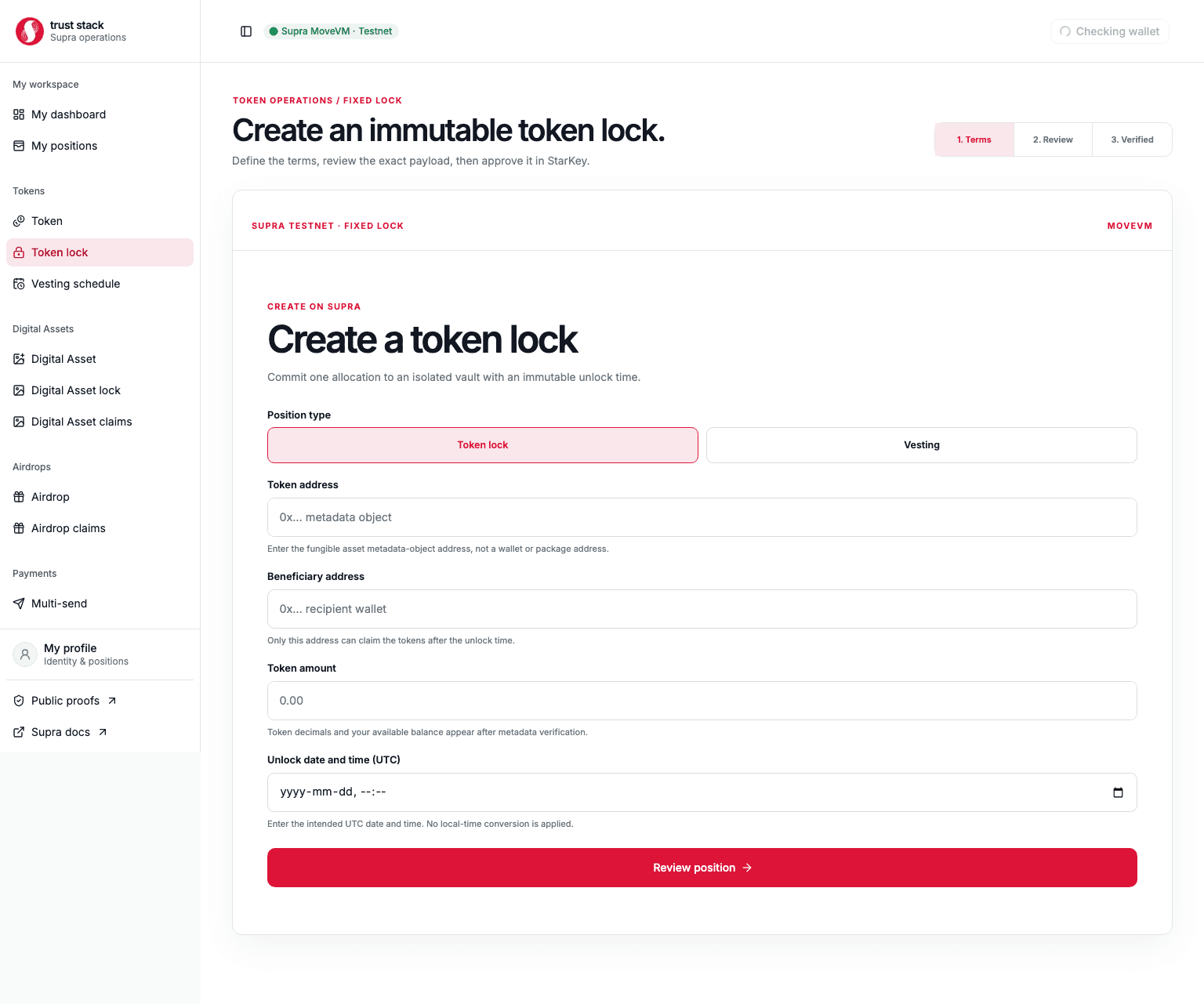
Create a lock
- Enter the Fungible Asset metadata object address.
- Select Token details to verify its name, symbol, decimals, and your current balance.
- Enter the display amount, beneficiary address, and UTC unlock time.
- Review the token identity, exact base units, network, and immutable policy.
- Sign the transaction in StarKey.
- Save the emitted lock object address and public proof link.
The dApp rechecks metadata and balance before signing. Display amounts are converted with the token's authoritative decimals rather than a hard-coded precision.
Claim a lock
The beneficiary opens the position from My positions or its public proof. The claim screen reads the on-chain creator, beneficiary, token, amount, unlock time, claimed state, and vault balance. The claim button remains unavailable before maturity or for another wallet.
At maturity, the beneficiary signs one claim. Success requires the expected claim event, terminal position state, and an empty vault.
Guarantees
- Creation and funding are atomic.
- The creator has no early-withdrawal or beneficiary-change path.
- The lock cannot be shortened, extended, split, revoked, or transferred in v1.
- Claims are one-time and authorization comes from the signer.
- Every position has its own object and vault; funds are not pooled.
Token capabilities remain external
A lock controls the tokens deposited into its vault. It cannot remove mint, freeze, or dispatch capabilities that an issuer retained in the Fungible Asset itself.