
Positions and claims
Discover wallet-linked positions and take the next authorized action.
My positions collects indexed locks and vesting schedules where the connected wallet is the creator or beneficiary. Product-specific management pages cover airdrops, streams, staking, Digital Assets, and LP locks.
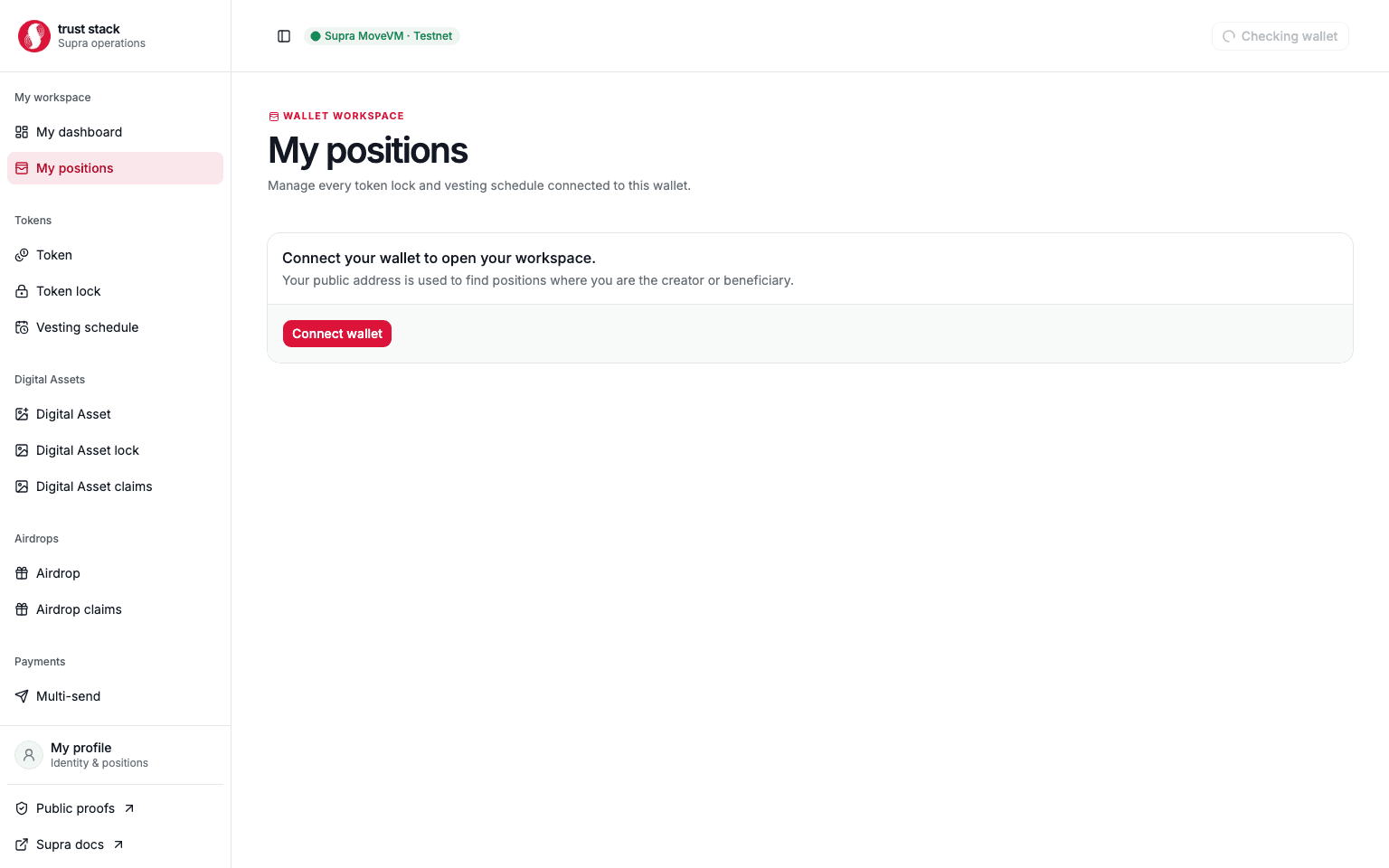
Find a position
- Connect the wallet that created or benefits from the position.
- Open My positions.
- Filter by creator/beneficiary role and lifecycle status.
- Open the claim or review action for the exact object.
The indexer is a discovery aid. Before any transaction, the destination page fetches authoritative Move state and recomputes whether the connected signer is eligible.
Profile workspace
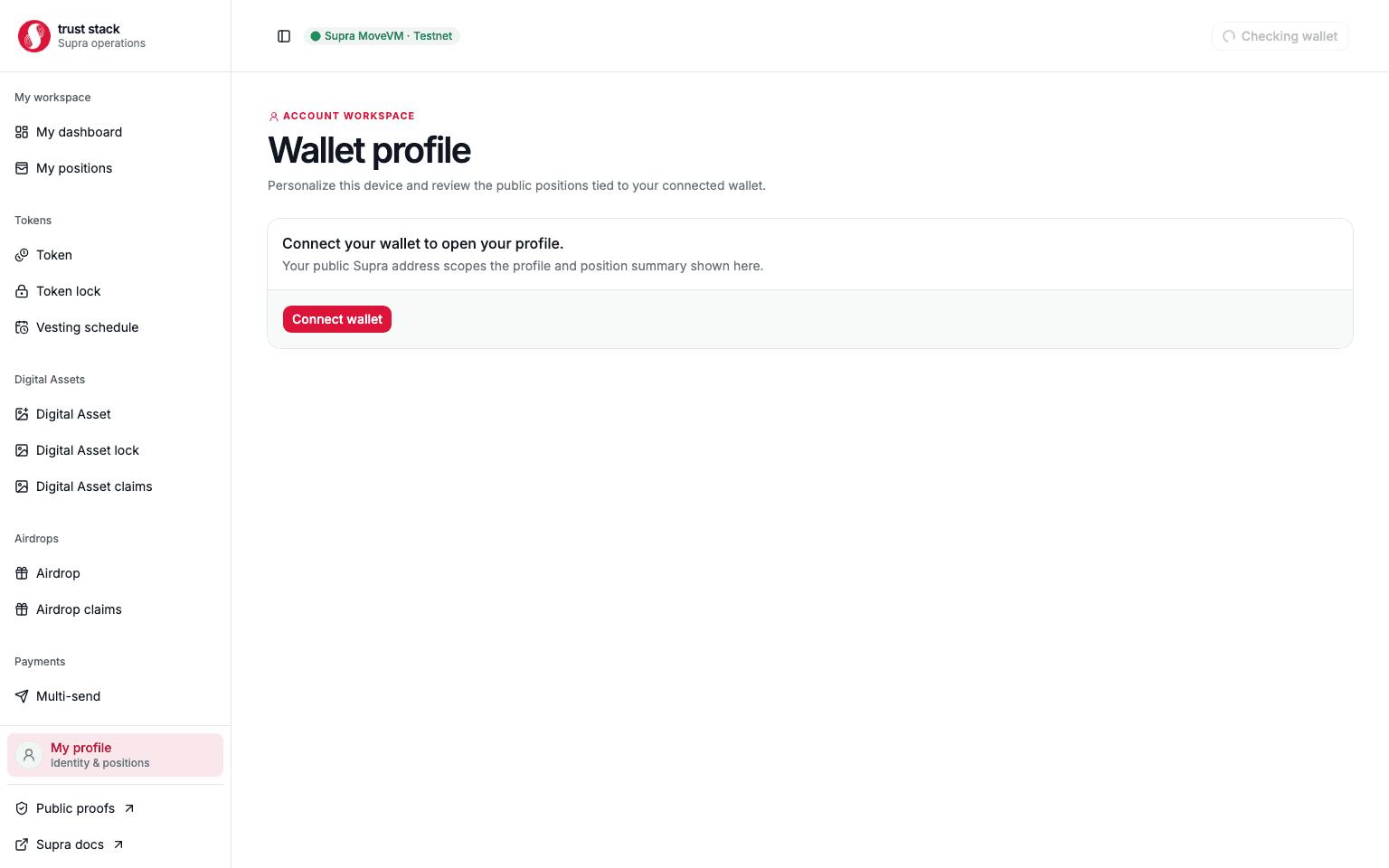
The profile page combines a local display name and profile image with wallet-linked position counts. Profile preferences are browser-local; they do not replace the wallet address as the on-chain identity and do not grant account authority.
When a position is missing
- Confirm the same wallet address and Supra Testnet network.
- Open the transaction in SupraScan and verify that it finalized successfully.
- Check the exact emitted object address.
- Refresh after the indexer has processed the block.
- Use the direct management route with the object address if discovery is delayed.
Never infer a failed claim from a missing list item alone. Current Move state and the transaction receipt are the source of truth.